 master
What Is iCal and How Does It Work for Rental Hosts?
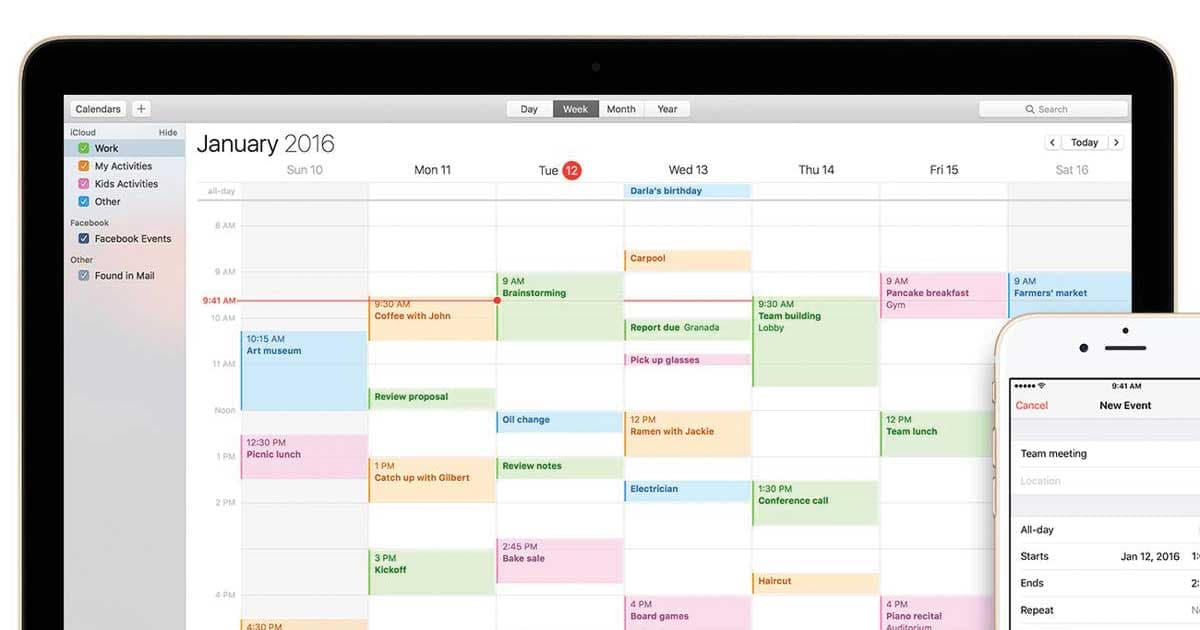
If you manage a rental property on more than one platform, you have probably seen the phrase “iCal” somewhere in your settings. Maybe Airbnb asked you to paste an iCal link, or VRBO offered to export one. But what is iCal, exactly, and why should you care?
iCal is a file format, not an app
Despite the name, iCal is not an Apple product (well, it was once the name of Apple's calendar app, but that was rebranded to “Calendar” years ago). In the rental world, iCal refers to the iCalendar standard -- a universal file format for sharing calendar events. The files end in .ics and follow a specification called RFC 5545.
Think of it like a PDF for calendars. Just as any device can open a PDF regardless of which app created it, any calendar application can read an .ics file regardless of where it came from.
How iCal feeds work
A feed is simply an .ics file hosted at a URL. When Airbnb gives you an “export calendar” link, it is giving you a URL that always returns the latest version of your booking calendar in .ics format. Any app that subscribes to that URL will periodically fetch the file and update its own view of your events.
This is a pull model -- the subscribing app checks the URL on a schedule (every 15 minutes, every hour, etc.) and downloads whatever is there. There is no push notification. If Airbnb adds a booking at 2:00 PM and VRBO checks the feed at 2:30 PM, VRBO will not know about that booking until 2:30.
What is inside an .ics file?
An .ics file is plain text. Each event is wrapped in a VEVENT block with fields like:
DTSTART/DTEND-- the start and end datesSUMMARY-- the event title (often “Reserved” or “Airbnb (ABC123)”)UID-- a unique identifier for the eventDESCRIPTION-- optional extra details
Platforms strip out sensitive guest information in most cases, so the feed usually just shows blocked dates, not guest names or payment details.
Why this matters for rental hosts
If you list your property on Airbnb and VRBO, both platforms need to know about each other's bookings. The standard approach is:
- Export an iCal link from Airbnb
- Import it into VRBO
- Export an iCal link from VRBO
- Import it into Airbnb
Now each platform sees the other's bookings as blocked dates. Add a third platform and the number of links you need to manage grows quickly -- which is exactly the problem a calendar merge tool like mastercalendar.io solves.
The sync delay problem
Because iCal is pull-based, there is always a delay. Airbnb checks imported feeds roughly every 3 hours. VRBO can take up to 12 hours. That gap is where double bookings happen -- a guest books on Airbnb, but VRBO does not know for hours, so another guest books the same dates on VRBO.
mastercalendar.io reduces this risk by syncing your feeds on a much shorter schedule (as fast as every 10 minutes on the Business plan) and alerting you immediately when it detects an overlap.
Key takeaways
- iCal (.ics) is a universal calendar format, not a specific app
- Feeds are URLs that return the latest calendar data on demand
- Sync is pull-based, so delays are inherent -- the question is how long
- More platforms means more links to manage, which is where merge tools help